



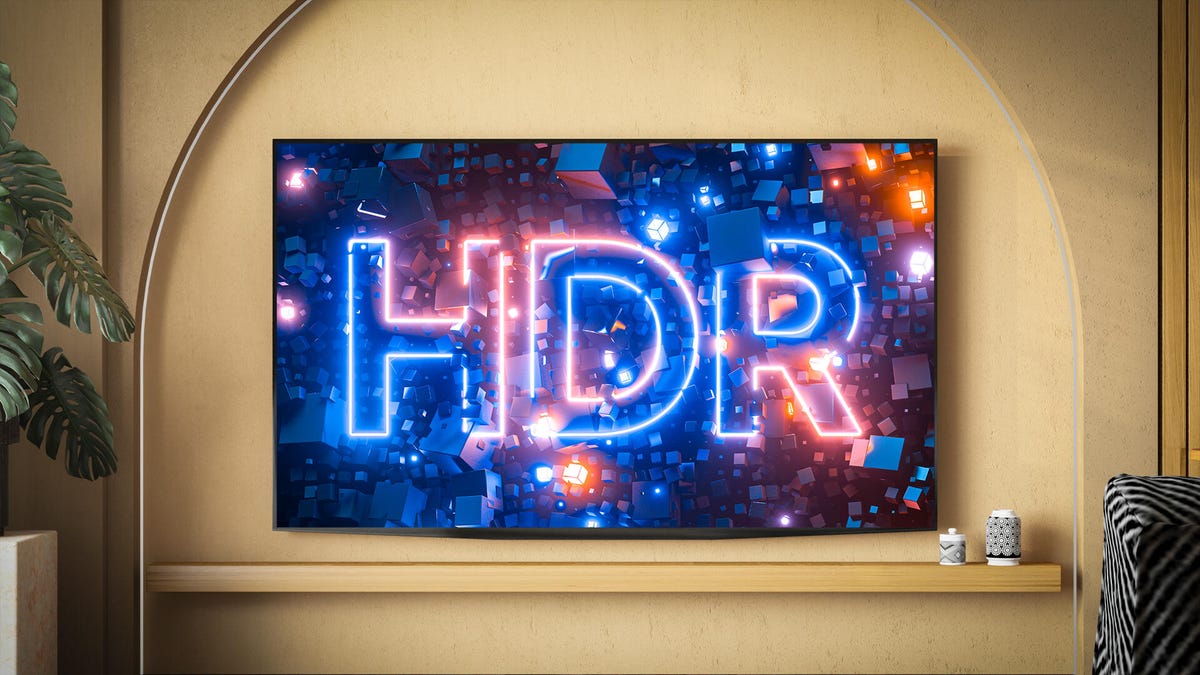
Nearly all new TVs and projectors have the ability to decode HDR, or high dynamic range, video. In most cases, HDR content looks better than non-HDR material, though an individual display’s ability to deal with the extra data can vary greatly. There are multiple HDR formats, including Dolby Vision, Dolby Vision 2, HDR10, HDR10 Plus and HLG. Most displays can only decode one or two of these. Likewise, streaming services and 4K Blu-rays typically offer only one or two.
Fortunately, all HDR displays can play HDR content — just not always in the best format available. Here’s what to keep in mind when shopping for a new TV or deciding which streaming service to use for a movie or show.
The basics
These images attempt to illustrate, on your standard dynamic range screen, what HDR can do on HDR displays. The top left shows how the image appears on an SDR display, tuned so the shadows are visible. Notice how the highlights in the clouds are “blown out,” meaning they lack detail. The upper right shows the HDR version with detail preserved in the clouds. The lower left shows the same image adjusted to preserve the highlights, which causes the shadows to disappear. HDR displays showing HDR content have a wider dynamic range — the difference between the brightest and darkest parts of an image.
In CNET’s TV and projector reviews, we’ve found that both the capabilities of the TV itself and the way HDR is used in the movie or TV show have a greater impact on image quality than the specific HDR format. In other words, just because a display supports a “better” HDR format doesn’t mean it will look better than one that doesn’t. Here’s a tour of the HDR landscape today.
- Everything supports HDR10, but many TVs and sources will also have at least one of the other formats.
- Dolby Vision and HDR10 Plus can look better in specific ways compared to HDR10. All will look better than non-HDR, standard dynamic range content.
- One format might look “better” than another on paper, but in the real world, image quality depends far more on the TV’s overall performance and how the content was made.
Most new TVs can display HDR content, which preserves more detail in both bright and dark areas of an image, creating a greater “dynamic range” than non-HDR content (i.e., pretty much everything you’ve ever watched). That older format is now called SDR, or standard dynamic range. On an HDR TV, HDR content can look far more punchy and vibrant than traditional video.
Read more: How HDR Works
The dynamic range of what’s captured by the camera (left) and what’s possible on SDR and HDR displays.
Just having an HDR TV isn’t enough; you also need HDR content. Without it, the TV doesn’t have much to work with. It may still look good and can artificially expand SDR content for a slight improvement, but to get the most out of HDR you need content designed for it. Thankfully, there’s now plenty available, including movies, TV shows and even video games. Chances are your favorite new programs already support HDR.
HDR10
- Supported by everything.
- Better image quality potential than SDR, but perhaps not as good as HDR10 Plus or Dolby Vision.
- Static metadata.
HDR10 is about as close to a universal standard as we’ve got. Because it’s free for manufacturers to use, it’s supported almost everywhere. Every HDR TV can decode it and every HDR streaming device supports it. Nearly all HDR content includes an HDR10 version, sometimes alongside more advanced formats such as Dolby Vision, which we’ll discuss shortly.
HDR10’s main limitation is its “static” metadata, meaning a single HDR “look” is applied to an entire movie or show. That’s still better than SDR, but it doesn’t allow very bright or very dark scenes to look their absolute best within the same film. This one-size-fits-all approach works, but it prevents both the content and the TV from reaching their full potential. Dynamic metadata, which most other HDR formats use, addresses this limitation.
Static metadata is like forcing an entire football team to wear the same size shirt. It might fit the quarterback and look OK on the big linebacker and tiny kicker, but everyone would look better in shirts sized for them.
HDR10 isn’t backward-compatible with SDR TVs, so it’s no good for broadcast. You’ll find it available with streaming content and on 4K Blu-ray.
HDR10 Plus
- Championed by Samsung.
- Dynamic metadata.
- Potentially better image than vanilla HDR10.
As you may have guessed from the name, HDR10 Plus is similar to HDR10, but with a little plus. The “plus” in this case is dynamic metadata, which improves on HDR10’s static version. This means that on a per-scene — or even per-image — basis, the content can provide the TV with all the information it needs to look its absolute best.
While there are certain fees for manufacturers to use HDR10 Plus, they’re much less than what Dolby charges for Dolby Vision. Because it’s from Samsung, it’s highly unlikely there will ever be an LG TV with HDR10 Plus. Sony is another holdout, likely for similar reasons. However, Epson, TCL, Hisense, Roku and others offer HDR10 Plus compatibility.
It’s a little hard to see in this graphic, but notice how the frames on the right show different levels of brightness in the sky. This example uses a standard dynamic range image on a standard dynamic range screen. HDR10 Plus’s dynamic metadata allows filmmakers to optimize how each shot or scene is displayed. HDR10, by contrast, uses static metadata — a single setting that must serve as a compromise between the darkest and brightest scenes.
On the content side, there’s Amazon, Apple TV, Disney Plus, Paramount Plus and Netflix, among others. Keep in mind that just because a company or streaming service supports HDR10 Plus doesn’t mean that every product or show/movie is compatible with or has HDR10 Plus data.
Read more: What is HDR10 Plus?
Dolby Vision and Dolby Vision 2
- Potentially the best image quality of all the formats.
- Less content available than with HDR10.
- The de facto “step up” HDR format.
Dolby Vision, like HDR10 Plus, can have dynamic metadata. Streaming services including Netflix, Amazon, Vudu and Apple TV support it, and you can find it on some 4K Blu-rays. Some Dolby Vision features — including dynamic metadata and color handling — are optional in HDR formatting for NextGen TV, though over-the-air HDR content remains rare.
This is an approximation, using two SDR images, of what you’d see if you placed an SDR and HDR TV side-by-side.
The downside of Dolby Vision is that manufacturers have to pay Dolby to use it. In return, Dolby helps them optimize their TVs to look their best with DV content. For some companies, that’s an easy way to improve picture quality. Larger manufacturers — like a certain Korean brand that begins with the letter S — prefer to invest in their own HDR formats instead, thank you very much.
After HDR10, this is the most popular HDR format, but that doesn’t mean it’s universal. Samsung is the biggest holdout, for reasons mentioned above. Generally speaking, if a company doesn’t support Dolby Vision, it likely supports HDR10 Plus, though some companies support both. There is less Dolby Vision content than there is vanilla HDR10 content, but big-budget movies and TV shows almost always include it.
Announced at CES 2026, Dolby Vision 2 introduces several new features. The most controversial, in my opinion, is optional motion smoothing, which would allow directors or showrunners to smooth scenes they consider too juddery, such as fast pans. The format also includes “content intelligence” features that adjust a TV’s performance based on ambient light and the content being shown. Midpriced and lower-end TVs will support the base version of Dolby Vision 2, while higher-end models will offer Dolby Vision 2 Max, which includes the motion-smoothing feature. We’ll have to see how it’s implemented once TVs and compatible content arrive, possibly later this year.
The good news is DV2 is compatible with all current Dolby Vision TVs. Older DV TVs won’t have access to the new features, of course, but the HDR and dynamic metadata will still work.
HLG
- From BBC and NHK.
- Free to use.
- Broadcast-friendly.
Hybrid Log Gamma was created by Britain’s BBC and Japan’s NHK. Unlike the formats we’ve discussed so far, it’s actually backward-compatible with SDR TVs. One signal that works on both older TVs and newer ones is a huge deal for broadcasters. As you can imagine, it’s not without drawbacks — mainly when it comes to picture quality. Like HDR10, HLG is likely better than SDR, but it may not match the picture quality of some other HDR formats. It’s the format used for over-the-air HDR broadcasts.
A graphical representation of an SDR and HLG signal. The vertical axis is the signal, from broadcast, cable or satellite, for example. “0” is black, “1” is bright white. The horizontal axis is the physical brightness coming out of your television. An SDR TV would see the HLG signal and think it was “normal,” showing an image with, perhaps, better highlight detail. An HDR TV that’s HLG-compatible would understand what to do with the HLG signal and show that brighter information as a physically brighter part of the image (i.e., how HDR normally works).
There’s already wide TV support. Content is still in the early stages, however. If you can get the BBC’s iPlayer (whether you’re in the UK or using a VPN), that service has HLG support. DirecTV and YouTube also support HLG, but there’s just not a lot of content so far. It’s free and fills an important niche, but it’s been years since it came out and it hasn’t been widely adopted. Some phones can record HDR via HLG, which you can playback on HLG-compatible displays.
For more info, and why it’s so different from other methods, check out our explainer on hybrid log gamma.
Advanced HDR by Technicolor (SL-HDR1, 2 and 3)
- Not widely supported.
- Each “flavor” has its own niche.
- Unlikely to see wide adoption
Technicolor’s Advanced HDR comes in multiple flavors: SL-HDR1 is similar to HLG in that it’s fully backward-compatible with SDR TVs, allowing for one signal to rule them all; SL-HDR2 has dynamic metadata like HDR10 Plus and Dolby Vision; SL-HDR3 uses HLG as a base, but adds dynamic metadata.
The path to SDR and HDR in one SL-HDR1 signal. The top is the content creation, the bottom is what your TV will do with it. The SDR content is automatically created from the HDR signal.
Content is limited to some NextGenTV broadcasts. It’s unlikely it will get wide acceptance among streaming companies.
Read more: What is Advanced HDR by Technicolor?
There can be only one. Or three. Or maybe five
Here’s the tl;dr: HDR10 is the main HDR format. Dolby Vision and HDR10 Plus are the step-up options that offer potentially better image quality. All HDR should look better than older SDR content (or the non-HDR version of modern content). NextGenTV continues its slow rollout. The potential of free over-the-air HDR is still there, but at this point it’s in the hands of the individual channels and channel owners as to how much HDR they want to broadcast.
Generally speaking, it’s worth making sure any new TV you’re considering supports either Dolby Vision or HDR10 Plus since the dynamic metadata can make a noticeable difference, especially on the best TVs. The good news is that the majority of new shows, movies and even many games, all support HDR in one way or another. Most TVs and projectors do as well, though of course, some better than others.
Note: This story was first published in 2018 but is updated regularly to reflect new HDR formats and info.
In addition to covering audio and display tech, Geoff does photo tours of cool museums and locations around the world, including nuclear submarines, aircraft carriers, medieval castles, epic 10,000-mile road trips and more.
Also, check out Budget Travel for Dummies, his book, and his bestselling sci-fi novel about city-size submarines. You can follow him on Instagram and YouTube.
Read the full article here