



In the past months Apple has unveiled a host of new Apple Intelligence and Siri AI features, with more on the way. And some features immediately caught my attention because they can enable security cameras on Apple devices in all-new ways. The most interesting option even adds video descriptions, essentially using AI to “read” your security clips and give you texts about what’s happening in them, so you don’t have to view them yourself.
It’s a nifty trick, one that I’ve seen come to Google Nest, Arlo, Ring, Blink and other home security camera companies in the past year or two. Now it’s Apple’s turn, but enabling this AI feature takes more work this time around. Apple wants to keep users inside its ecosystem, so there are more requirements than usual for smart video descriptions and similar capabilities. Let’s go through exactly what you’ll need.
1. A newer iPhone or iPad, updated to the latest software
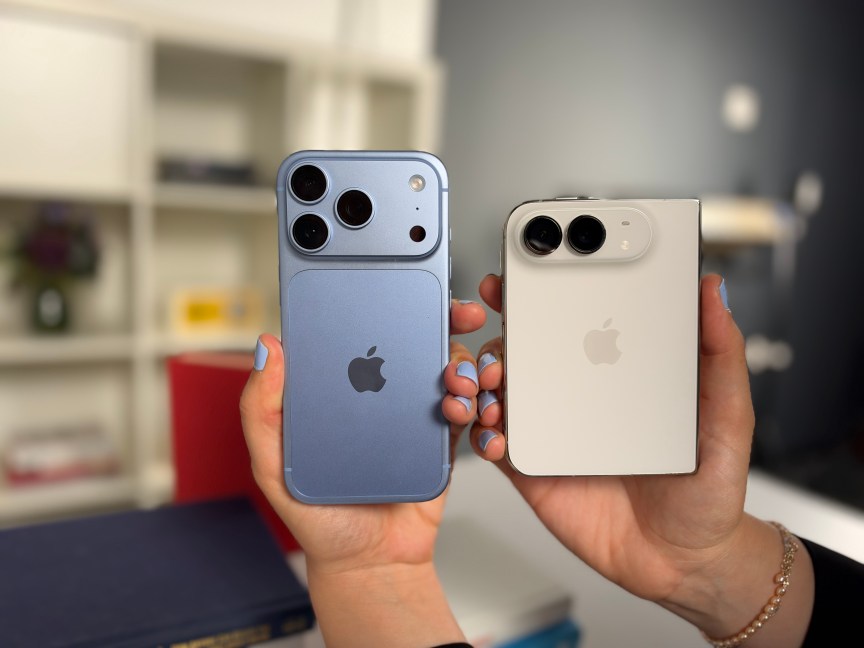
Apple Intelligence doesn’t run on just any device. Your first requirement is an iPhone or iPad that can handle it. If you recently downloaded iOS 27 or iPadOS 27 and received an update about Apple Intelligence now being on your device, you should be good to go.
Specifically, you’ll need an iPhone 15 Pro, iPhone 15 Pro Max or iPhone 16 model or later to run these features. If you prefer using an iPad, you’ll need the iPad Mini (A17 Pro or later) or an iPad model with the M1 chip or later.
Before you start using security features with Apple Intelligence, make sure everything is updated – you’ll want the latest iOS if you don’t have it yet.
2. A home hub Apple device
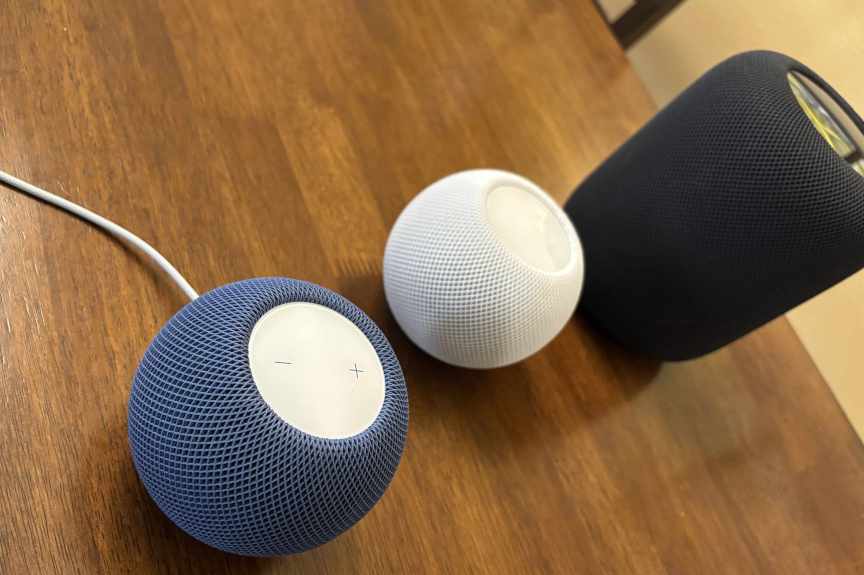
Smart home devices that work with Apple Home typically need a hub to pair with, and security cameras using Apple Intelligence are no exception. That means you’ll need another Apple device that can act as a hub, and you’ve got several choices.
Apple hubs include the second-gen HomePod, the HomePod Mini and Mini 2 or an Apple TV 4K model. Apple briefly gave some iPads the ability to become home hubs but then stopped, so an iPad won’t be sufficient here.
3. A compatible security camera for Apple Home
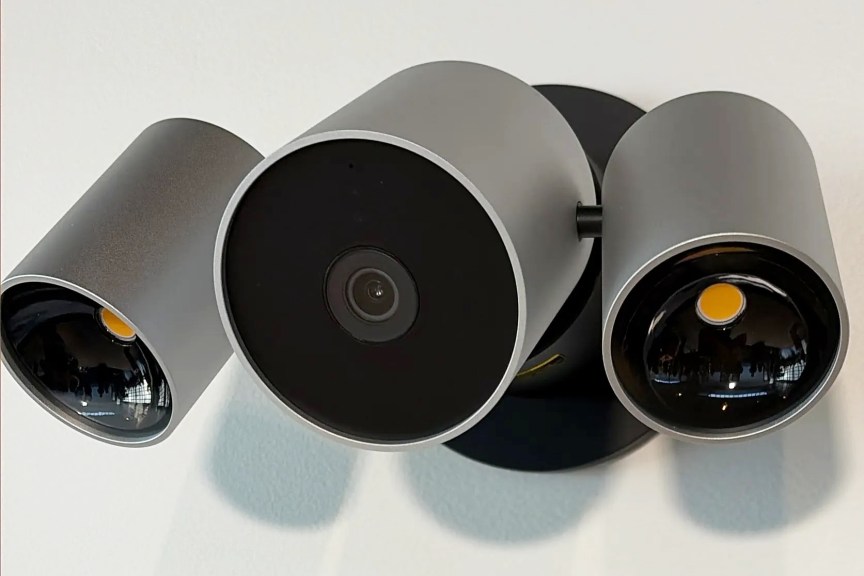
You’ll need a security camera that works well with Apple Home, but that’s easier said than done. If you can wait, Apple’s own security camera line, made in partnership with LG, should be here by the end of 2026, and should have the best results.
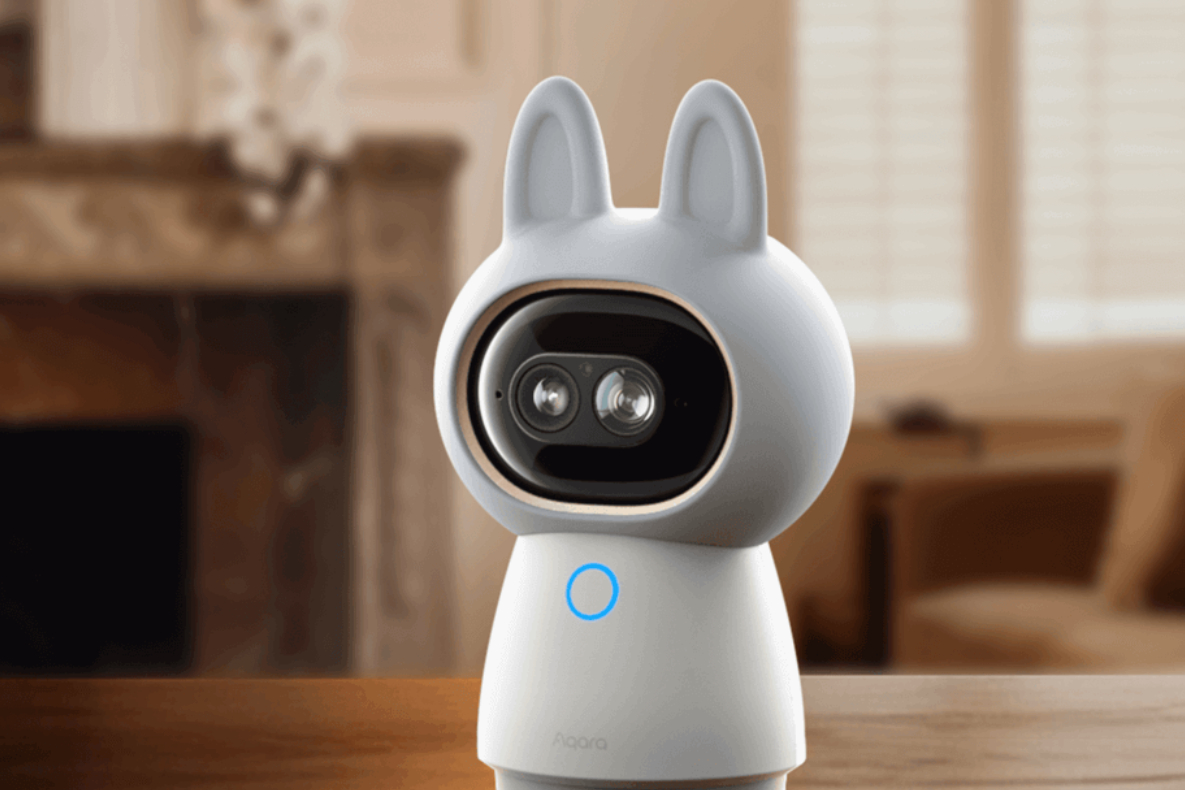
However, those Apple cams will be very expensive, so I understand if you want to look for a more affordable option. Not many security cams currently work with Apple, but one of the best brands is Aqara, like this Aqara G3650 camera hub ($140) I’m testing right now. Aqara models go down to $40, so there’s plenty of room to save here.
Note that, at least for the base subscription, I’ve seen reports that AI features like video descriptions only work with one camera at a time, so getting a whole fleet of cams won’t make much difference here. And speaking of subscriptions, there’s one final piece you’ll want.
4. The right iCloud Plus subscription
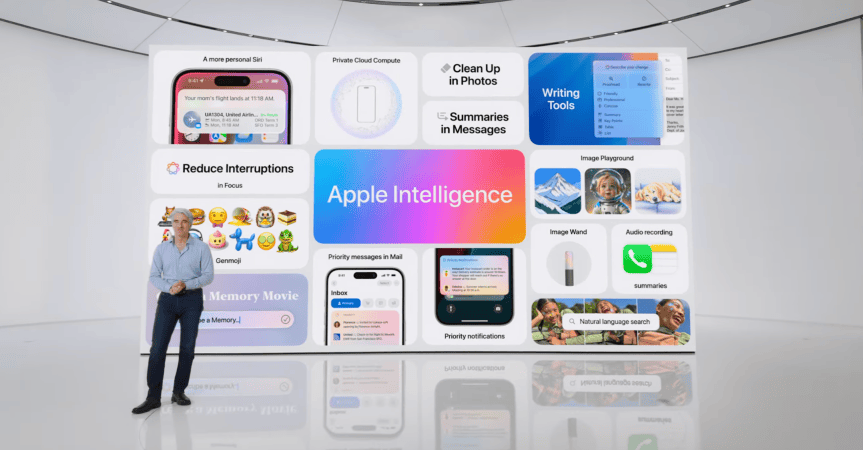
Apple Intelligence features may require an advanced iCloud subscription.
Apple/Screenshot by CNET
You’ll want an iCloud Plus subscription to enable the full suite of Siri AI capabilities and avoid running into daily limits. But to be clear, even if you don’t use Siri AI, these security Apple Intelligence features will require at least a 2TB plan, which starts at $10 per month. That’s not surprising – video descriptions like this typically come with a subscription requirement, up to $20 per month in some cases.
Now you’ve got everything you need for Apple Intelligence security features. To get started, just go to Apple Home, go to Home Settings and make sure Apple Intelligence is toggled on. Then you should be able to choose an added camera to turn on video descriptions.

With degrees in business management, literature and technical writing, Tyler takes every opportunity to play with the latest AI technology, push smart devices to their limits and occasionally throw cameras off his roof, all to find the best devices to trust in your life. He always checks with the renters (and pets) in his life to see what smart products can work for everyone, in every living situation.
Living in beautiful Bend, Oregon, gives Tyler plenty of opportunities to test the latest tech in every kind of weather and temperature. But when not at work, he can be found hiking the trails, trying out a new food recipe for his loved ones, keeping up on his favorite reading or gaming with good friends.
See full bio
Read the full article here