




Tired of companies constantly updating their terms and conditions to train their AI with your data, recruit your personal info for their own ends, or charge ever-higher fees? On Thursday, the Electronic Frontier Foundation launched its 2026 Opt Out October guide, urging people to retake control of their data and devices.
If you’ve been wanting to change your privacy settings, stop social media from looking over your shoulder and avoid age verification requirements, this is the guide to start with. The EFF guide walks through all the toggles to flip and the platforms or services you should outright avoid, suggesting better alternatives where available.
The EFF notes on its blog that it will update the guide’s instructions and details if anything changes.
A representative from the EFF didn’t immediately respond to a request for comment.
What should I be opting out of?
EFF’s Opt Out October focuses on services that have been shown to treat your personal data poorly, and there are a lot of options.
My personal favorite is the AI tools section, which teaches you how to stop chatbots and platforms like Twitch and Snapchat from training on your data.
If you’re frustrated with social media’s use of your personal data, its obnoxious ads or its face-analyzing age verification, the guide also includes a list of alternative social media. If you want to move away from Chrome’s activity tracking or find a free, user-friendly design tool beyond Adobe, this is the place to stop and plan your exit. And if you’ve finally had it with Windows cramming ads and AI into everything, the guide discusses how to get started with Linux instead.
More privacy guides
Your social media and AI tools are good places to start, but there’s much more you can do for your personal privacy.
First, check out our list of the best VPN services this year, which offers plenty of options to encrypt your internet data, hide what country you’re connecting from and more.
Physical privacy is important, too. My guides on checking your home privacy online and wiping your home address off the internet are great places to get started.
If you have smart devices or just want to improve your home’s privacy and safety, I’ve also got tips on the best privacy habits for your home and the tech you may be using inside it.
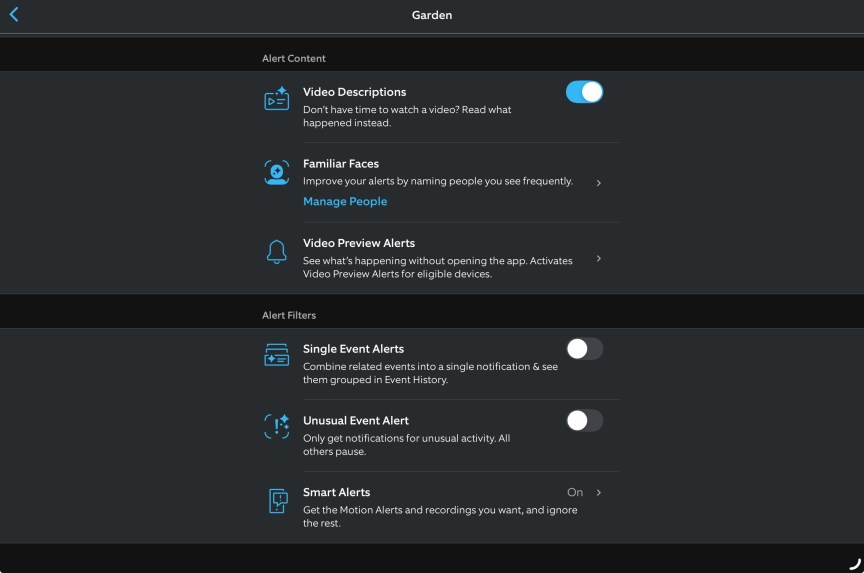
You may also appreciate guides for the best privacy settings for specific devices you use. Here are changes you may want to make to Alexa to improve the voice assistant’s privacy, and here are settings for Ring security devices you may want to turn off when using its video doorbells or security cameras.

With degrees in business management, literature and technical writing, Tyler takes every opportunity to play with the latest AI technology, push smart devices to their limits and occasionally throw cameras off his roof, all to find the best devices to trust in your life. He always checks with the renters (and pets) in his life to see what smart products can work for everyone, in every living situation.
Living in beautiful Bend, Oregon, gives Tyler plenty of opportunities to test the latest tech in every kind of weather and temperature. But when not at work, he can be found hiking the trails, trying out a new food recipe for his loved ones, keeping up on his favorite reading or gaming with good friends.
See full bio
Read the full article here