



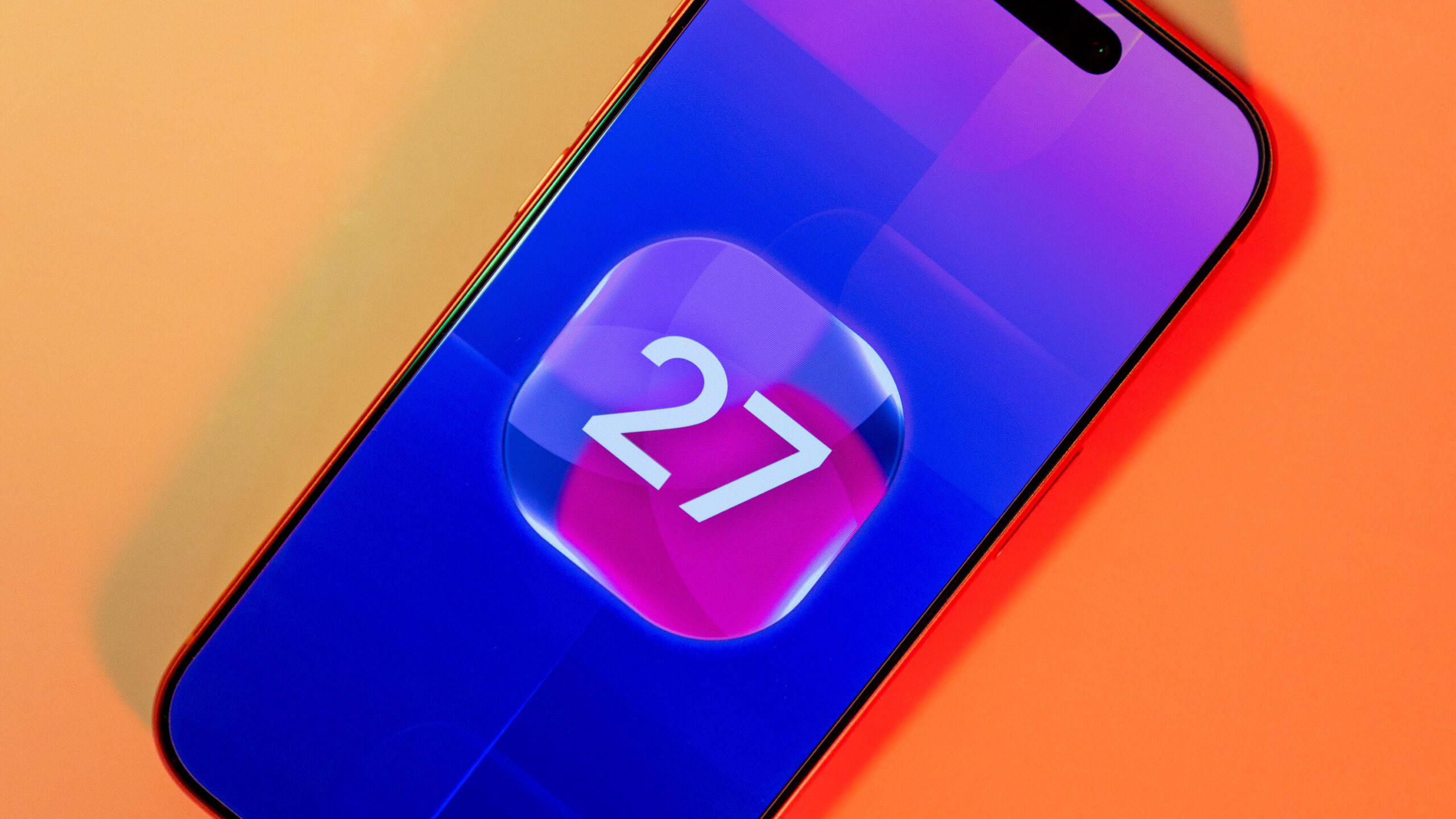
Apple released iOS 27.0.1 on Monday, about two weeks after the tech giant released iOS 27. The latest update is focused on bug fixes for most iPhones, and two of those fixes are specific to the new iPhone 18 Pro and Pro Max devices. Everyone should download the update to make sure their devices are running as smoothly as possible.
You can download iOS 27.0.1 now by going to Settings and tapping General. Next, select Software Update, tap Update Now and follow the prompts on your screen.

Apple wrote in the update’s release notes that iOS 27.0.1 fixes three bugs. One bug the update addresses might cause your iPhone’s touchscreen to be unresponsive if you try to open your Notification and Control centers at the same time.
The other two bugs iOS 27.0.1 addresses are iPhone 18 Pro and Pro Max specific. One bug might cause those devices to restart after failing to authenticate via Face ID. Some people on Reddit ran into this issue on the new device and advised others not to set up Face ID because of the bug. Once you download this update, the bug should be fixed, and you can set up the security feature if you haven’t already.
The other bug iOS 27.0.1 addresses could cause a color artifact to appear in photos taken with certain settings.
Here are the full release notes for iOS 27.0.1.
This update provides bug fixes for your iPhone, including fixes for the following issues:
- iPhone 18 Pro and iPhone 18 Pro Max may unexpectedly restart when Face ID fails to authenticate.
- A color artifact may appear on photos captured at 2x under certain lighting conditions at f/1.48 on a small number of iPhone 18 Pro and iPhone 18 Pro Max devices.
- Opening Notification Center and Control Center simultaneously may cause the touchscreen to become unresponsive.
For more on iOS 27, here’s what to know about the update and why you might not see iOS 27.1 on your device.

See full bio
Read the full article here