



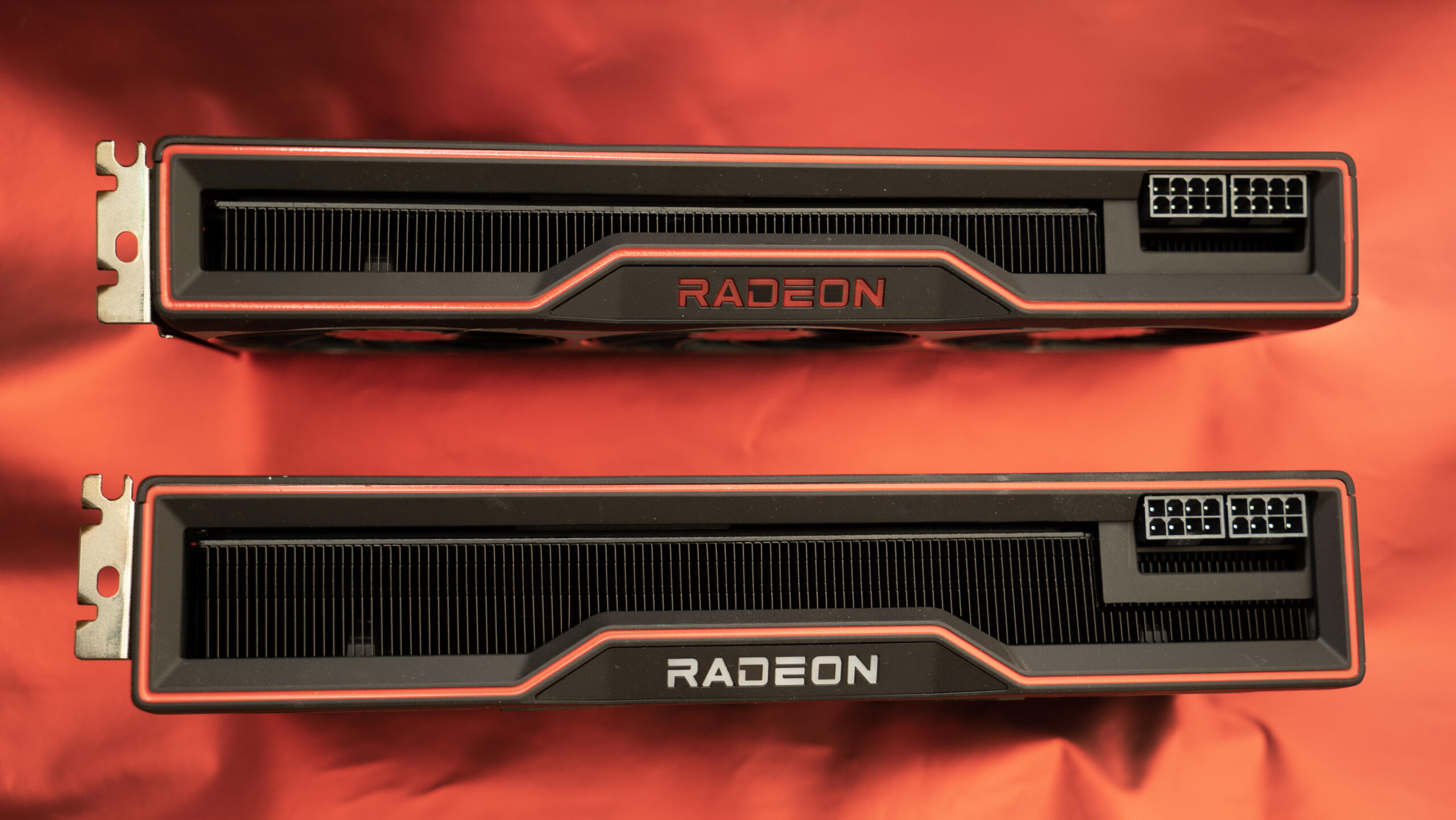
AMD is working on a software update to fix a driver issue that causes excessive, continuous data writes to solid-state drives across its Radeon GPU lineup.
First reported on sites including Tom’s Hardware and Neowin, the bug has been traced to two pieces of software: AMD External Events Client Module and Utility, known as atieclxx.exe or atiesrxx.exe under Windows processes. The background service handles monitoring functions, but as some users have noticed, it’s also writing a large amount of data to SSDs, as much as 432GB in 24 hours, according to Neowin.
This excessive data writing is a concern because it can accelerate the wear and tear on an SSD, potentially shortening its lifespan. According to PC Gamer, that could mean losing 1% of the drive’s health in just a month. As one Reddit poster pointed out, this is not a new bug and in one case may have caused SSD degradation for nearly a year and a half.
In an email to CNET, an AMD spokesperson said the company didn’t have additional details but pointed to a help article that mentions its Adrenalin Edition driver software, which includes the External Events software as a background process. Contrary to reports online that a variety of AMD GPU models could be affected, the help article suggests only Radeon RX 7000 and 9000 series products are affected.
Details are scant on the page, which describes the issue as “excessive SSD write activity” that occurs when systems are idle. It says that AMD is actively working toward a fix and that its knowledge base article will be updated once there’s a resolution. Company staffers have also been posting on Reddit that a fix is coming, potentially as early as the next Adrenalin Edition release, 26.11.1.
The cost of SSDs has spiked dramatically in the last couple of years, so it could be an expensive problem to fix if it causes significant wear on a drive.
How to check for the bug
The same Reddit users who helped uncover the bug and spread the word have a few ideas on how to keep this from happening. First, check the Windows Resource Monitor (you can access it by pressing Windows key + R and typing “resmon”) and look in the Disk tab to see if you’re experiencing excessive writing to your SSD from either atieclxx.exe or atiesrxx.exe processes.
Some who are seeing this are disabling the External Events software entirely. You can do that in Windows by typing Windows key + R and entering “services.msc.” Once there, you can look for the AMD External Events Utility, open its Properties and set Startup Type to Disabled. That will keep it from starting up automatically when you reboot. You can also stop the process while you’re there for the current session. You’ll want to restart your computer after this change.
Keep in mind that disabling the software could affect some display functions and game performance. Others have tried disabling a Resizable Bar, or ReBAR, a PCI Express process for accessing video card memory. Some have switched to alternative AMD drivers that are only compatible with AMD chipsets, not those with Intel or other chipset motherboards.
Using any of those methods carries the risk of breaking other functions on your machine, so make sure your system has a recent restore point.
Read the full article here